Screenshots
The vault, the agents, the lock.
Real captures of the app — black & white, following your system Light or Dark appearance.
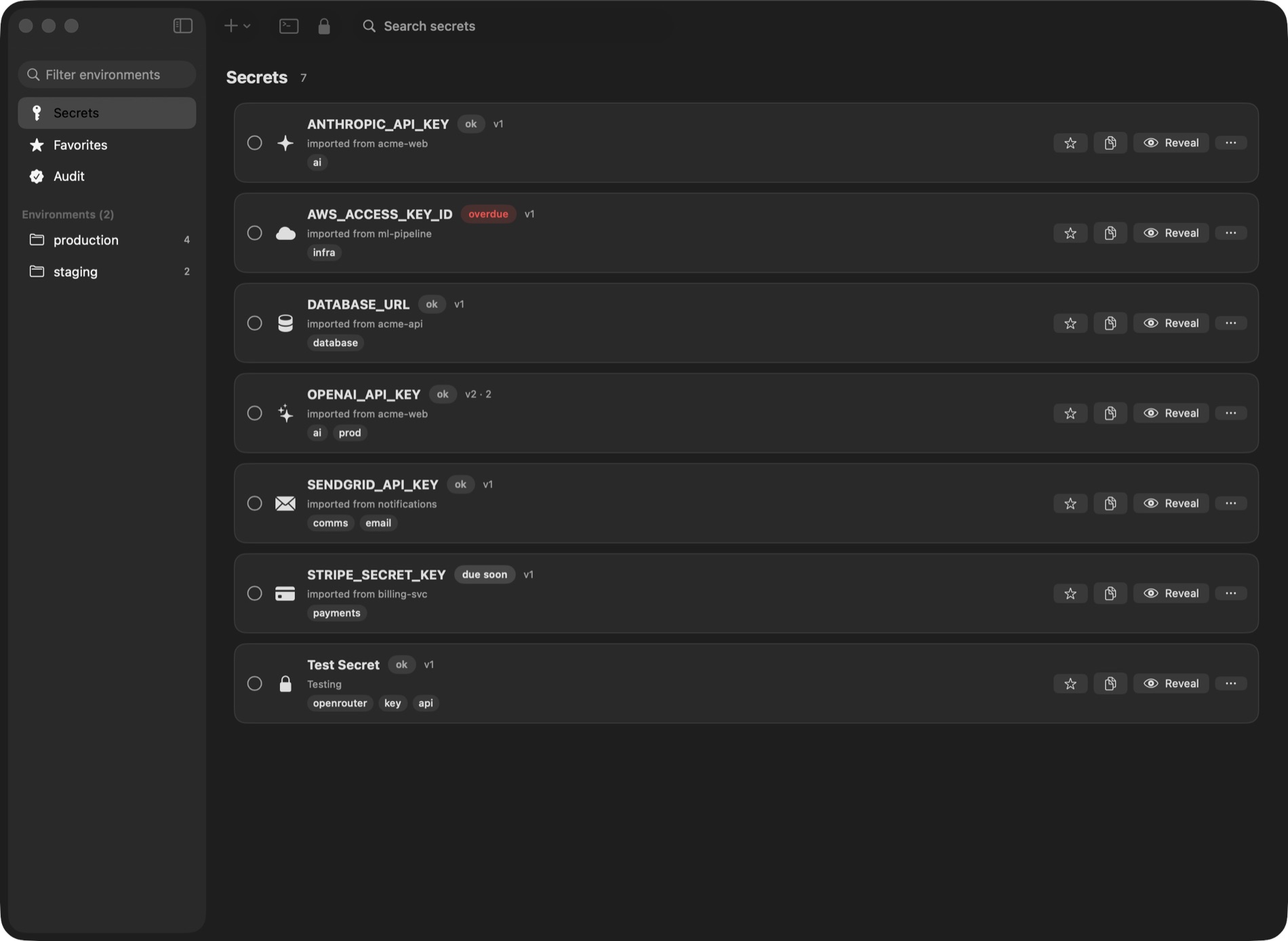
The vault · Your secrets, with rotation status at a glance — Dark
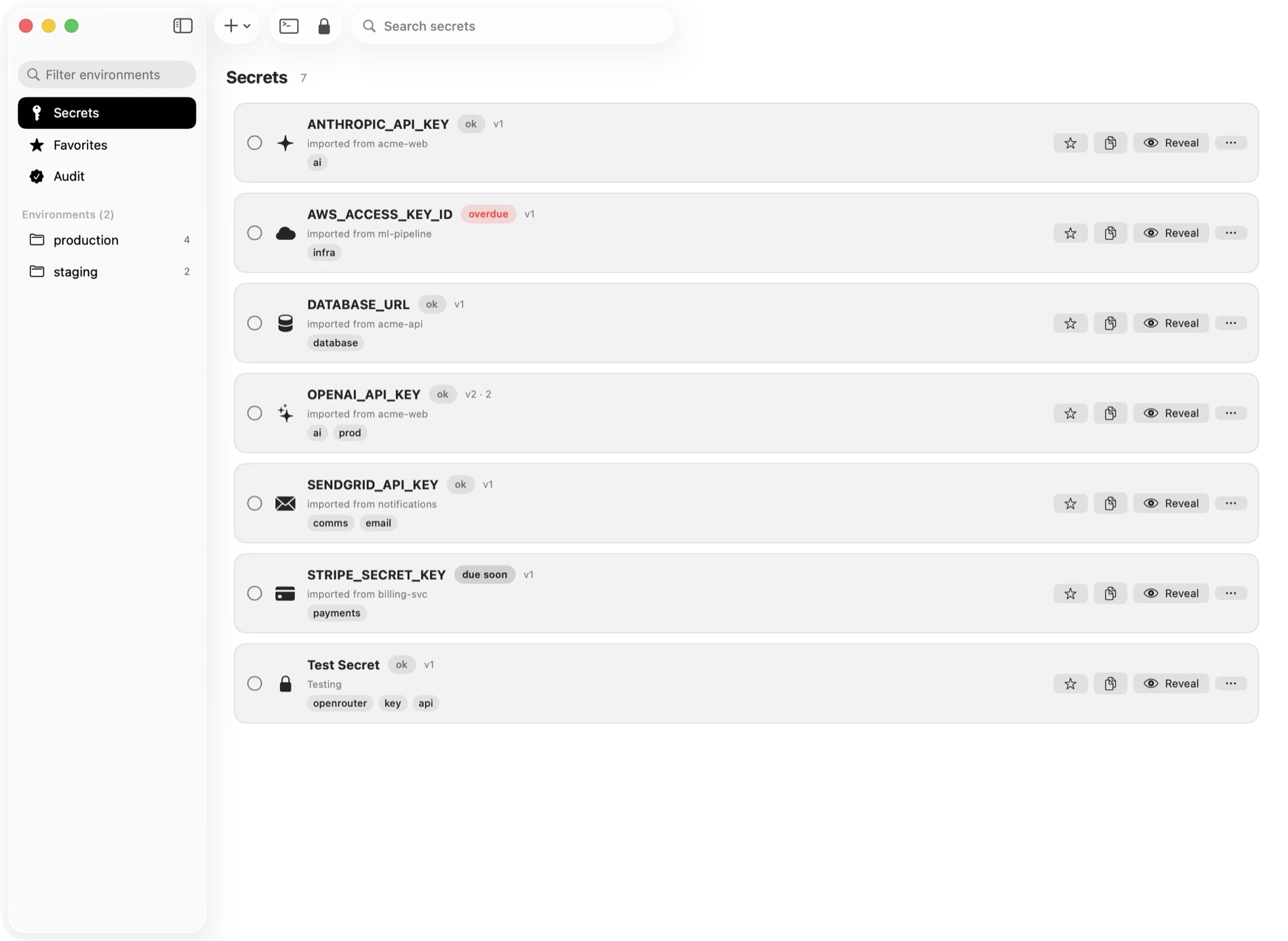
The vault, in Light · Same vault, following System Settings — Light
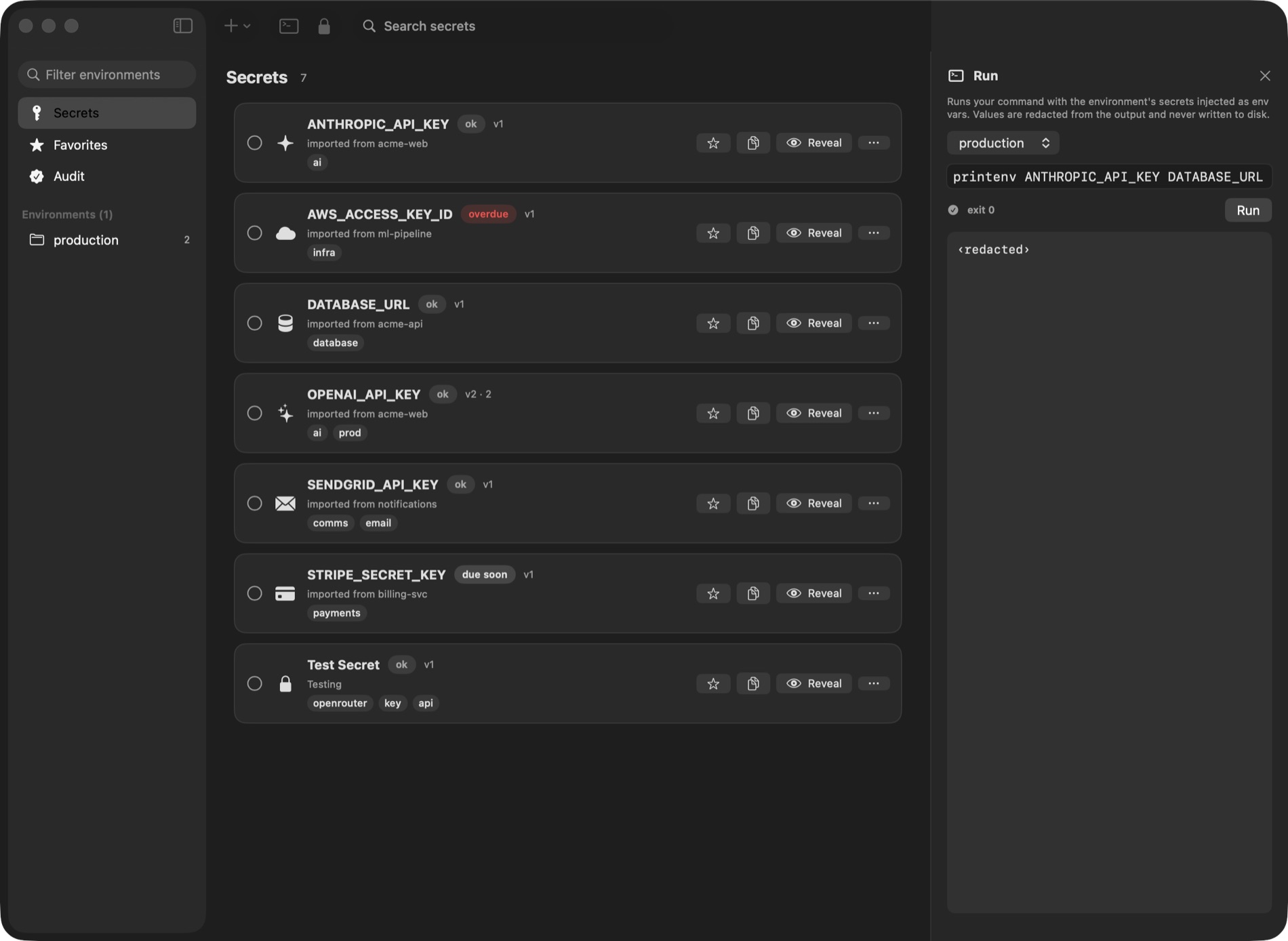
Run with an environment · The agent runs a command; values are injected and redacted from the output
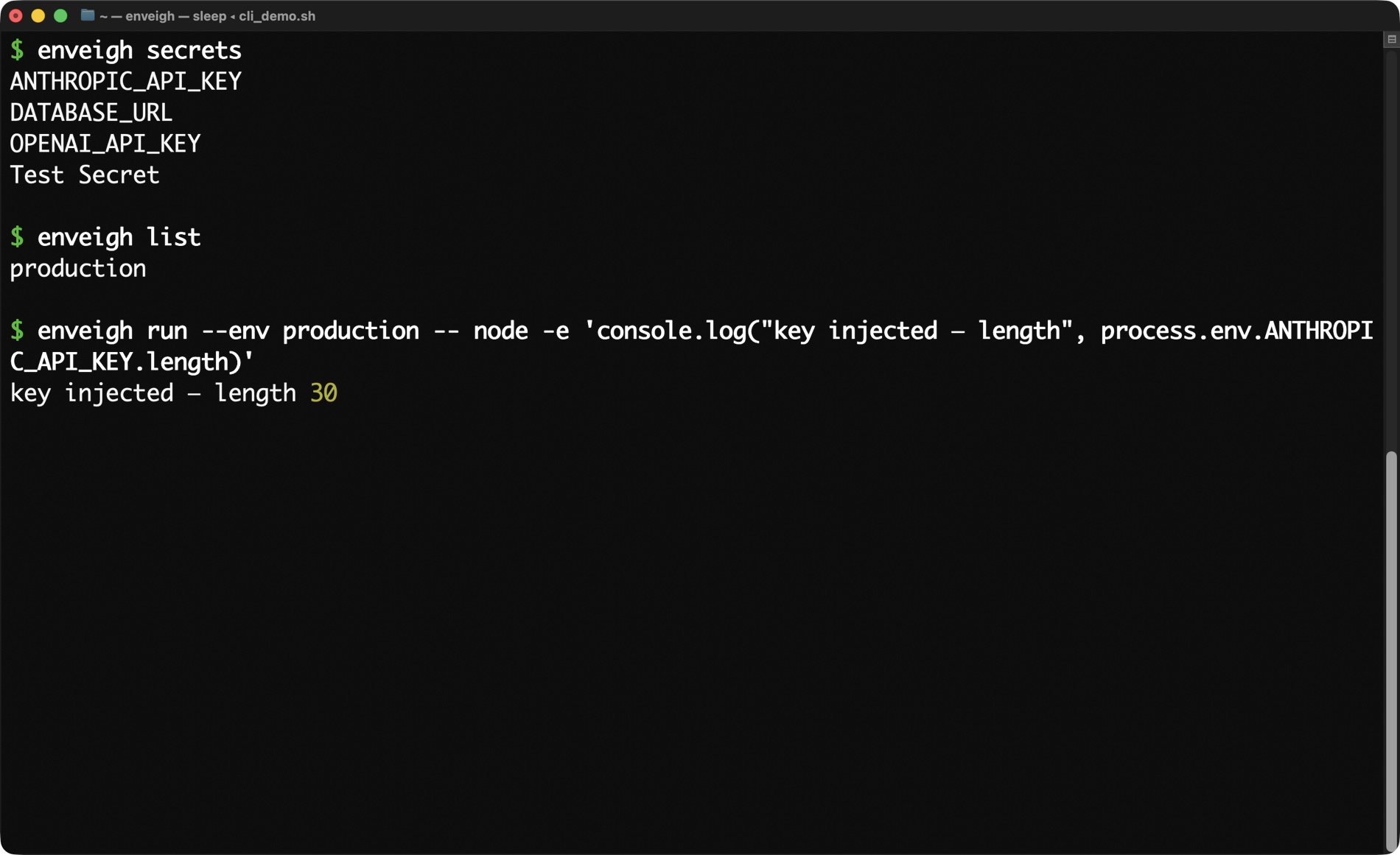
The CLI · enveigh secrets / list / run — keys injected into the process, never echoed to your terminal
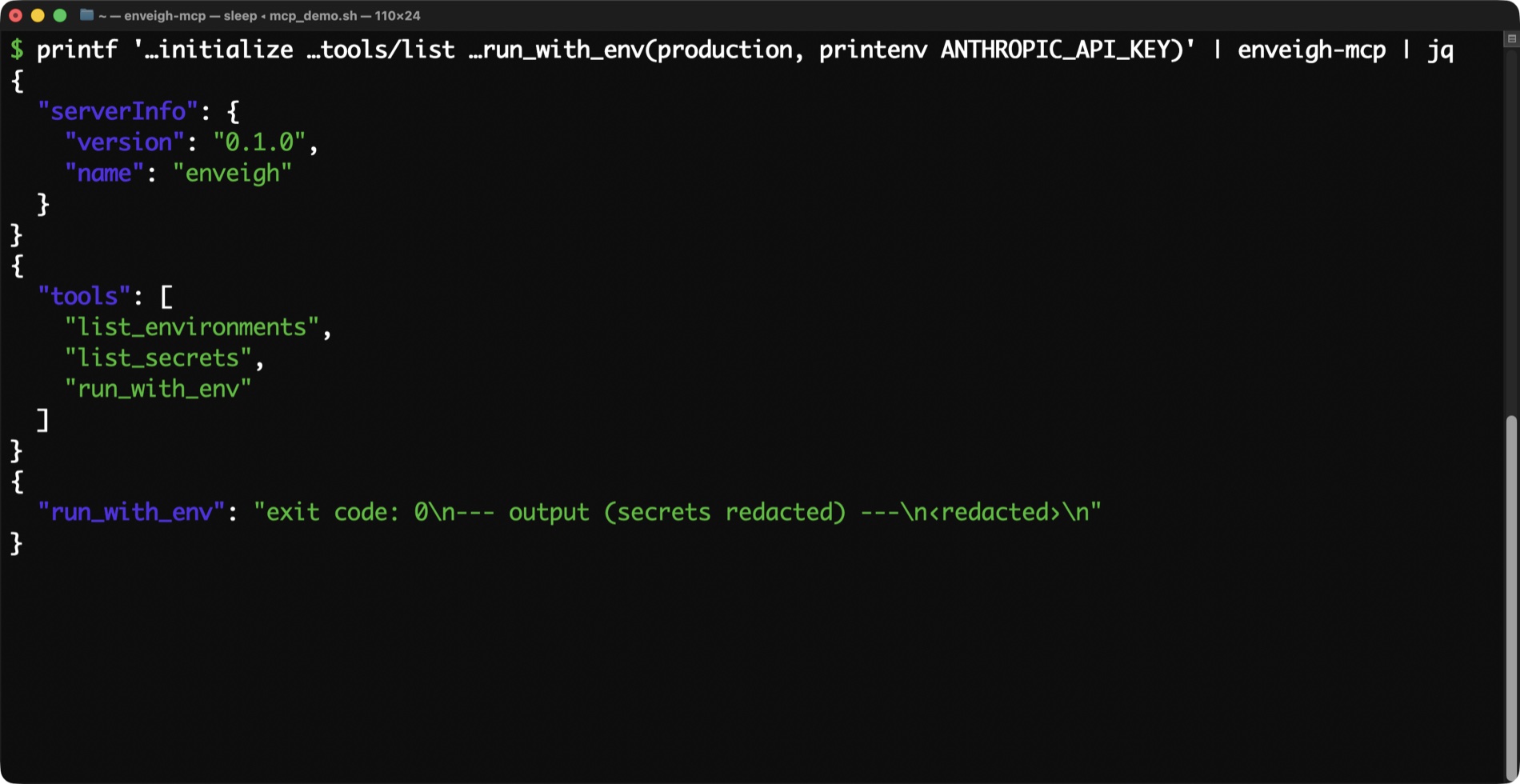
The MCP server, live · A real JSON-RPC session — value tools hidden by default, run_with_env returns ‹redacted›
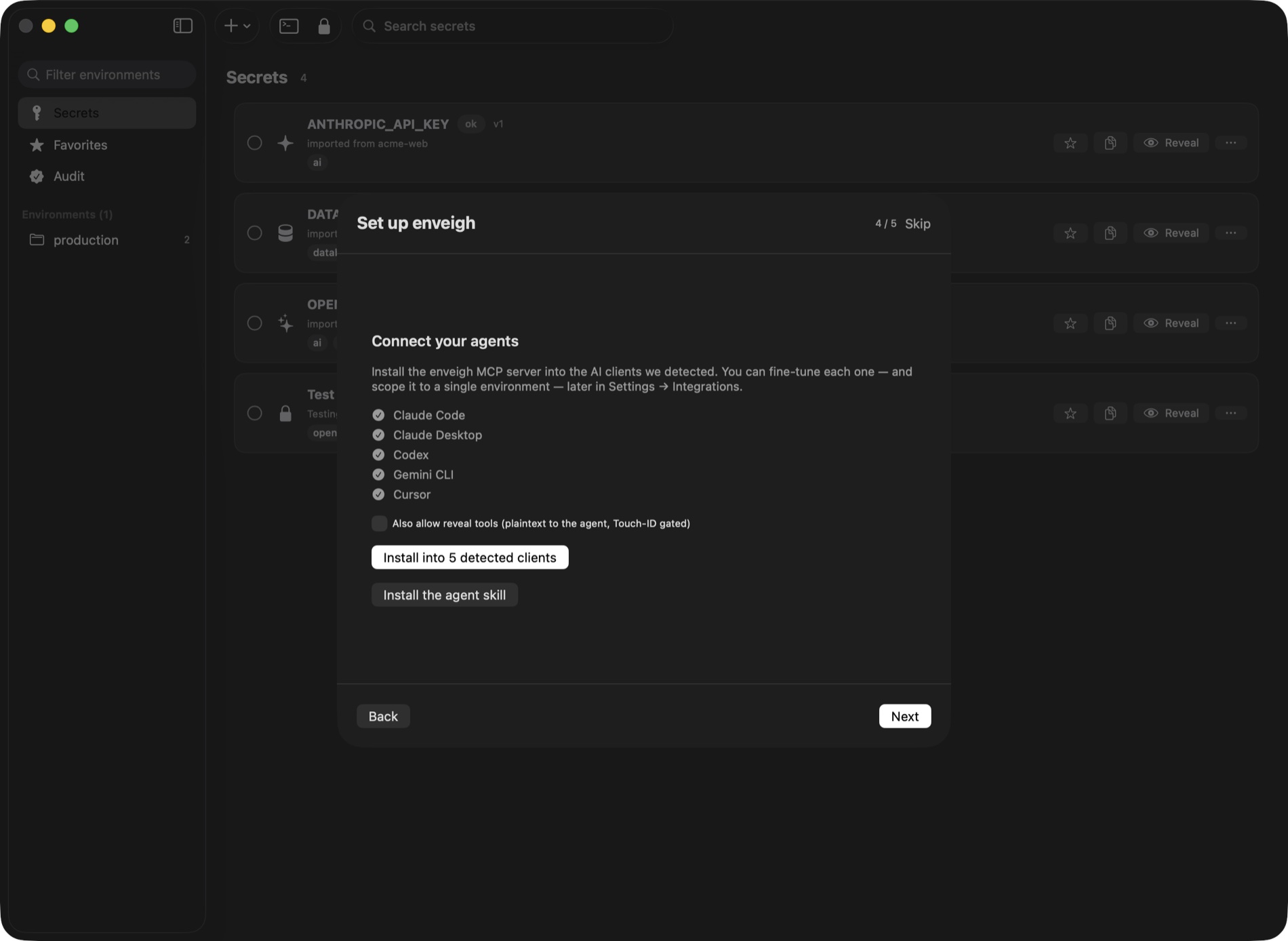
Connect your agents · One tap installs the MCP server into detected clients — each gets its own scoped token
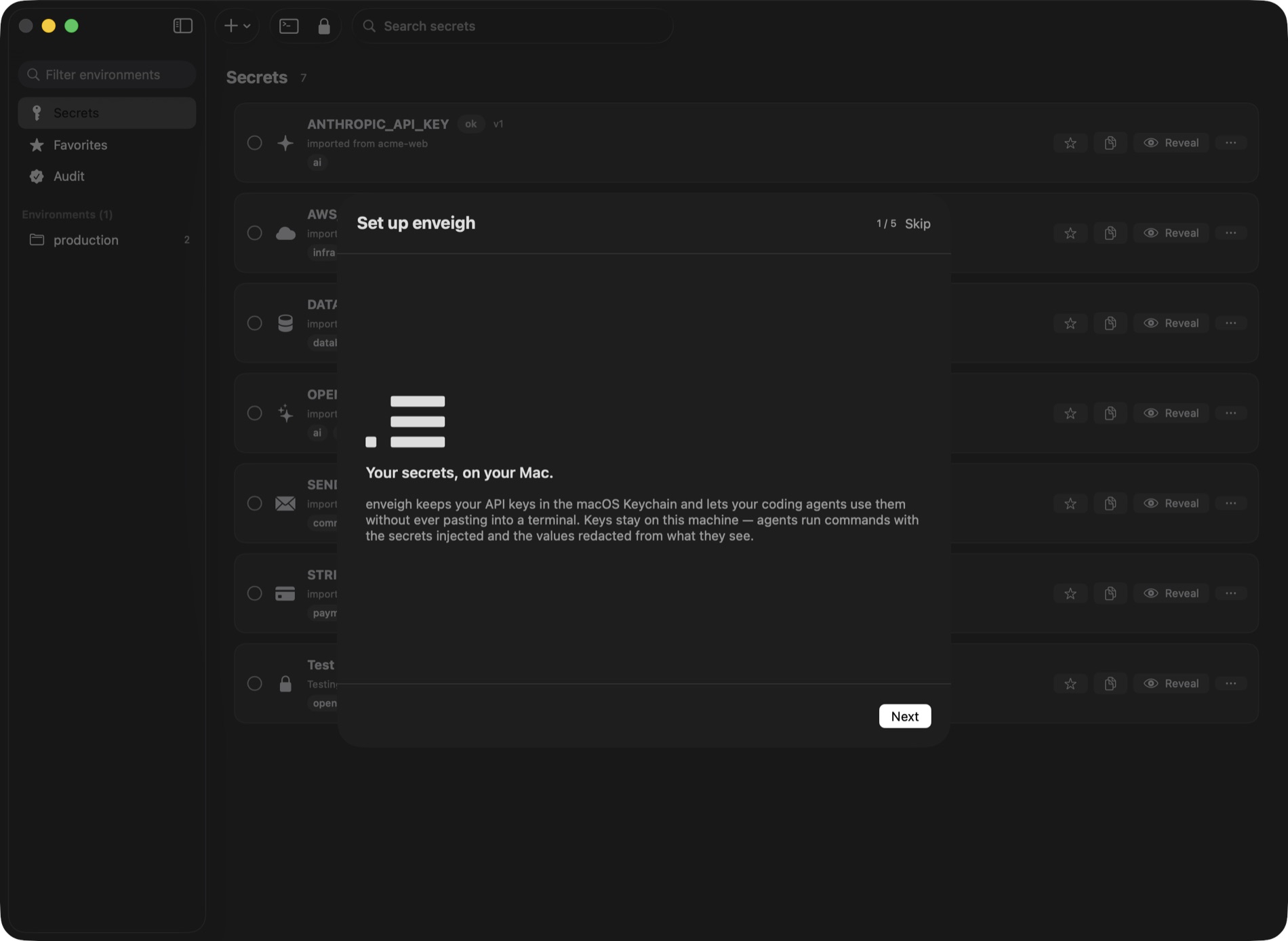
Set up in a minute · Scan a folder, import the credential-shaped keys, connect your agents
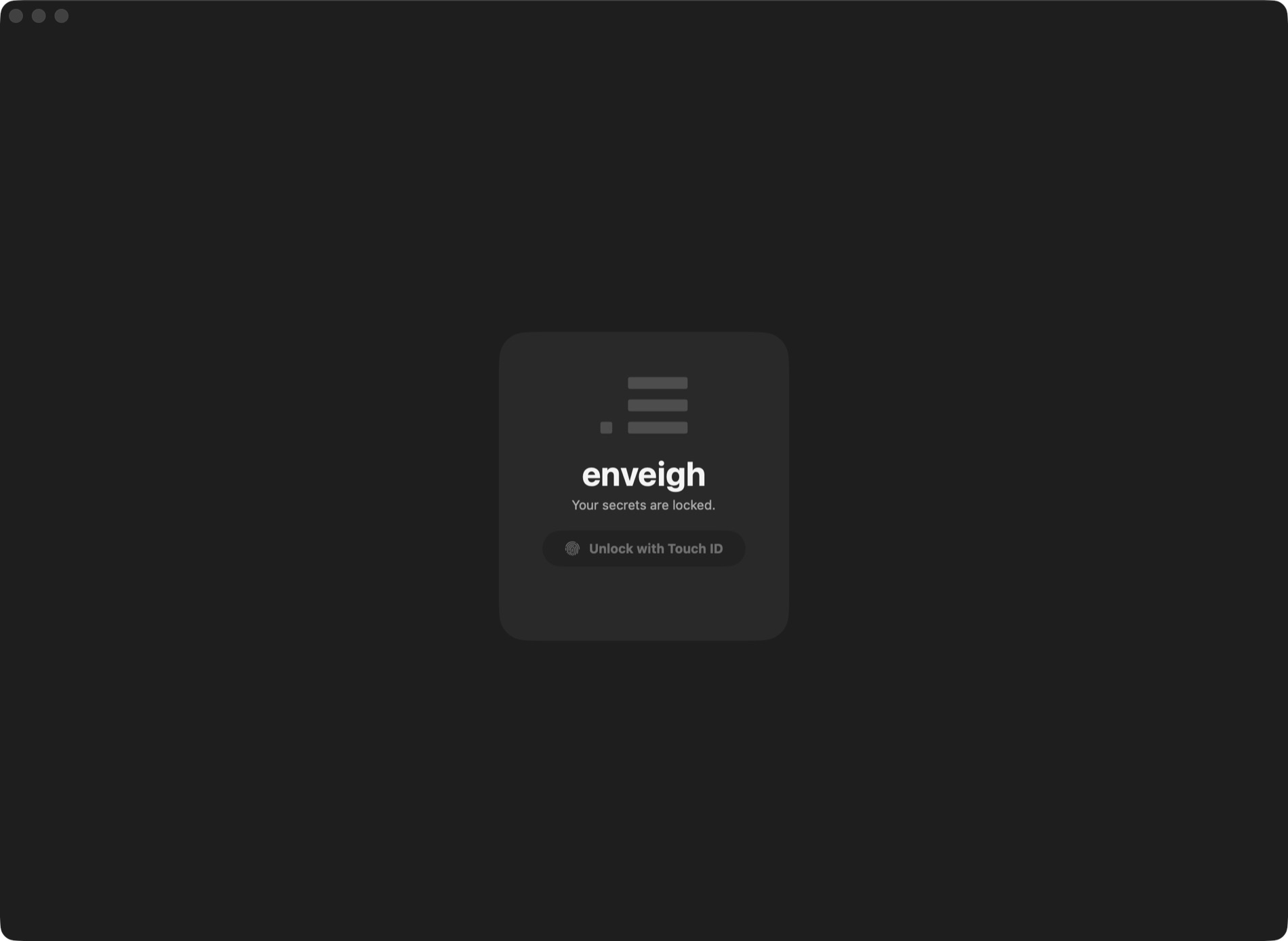
Locked by default · Touch ID to unlock; the broker only runs while the vault is open